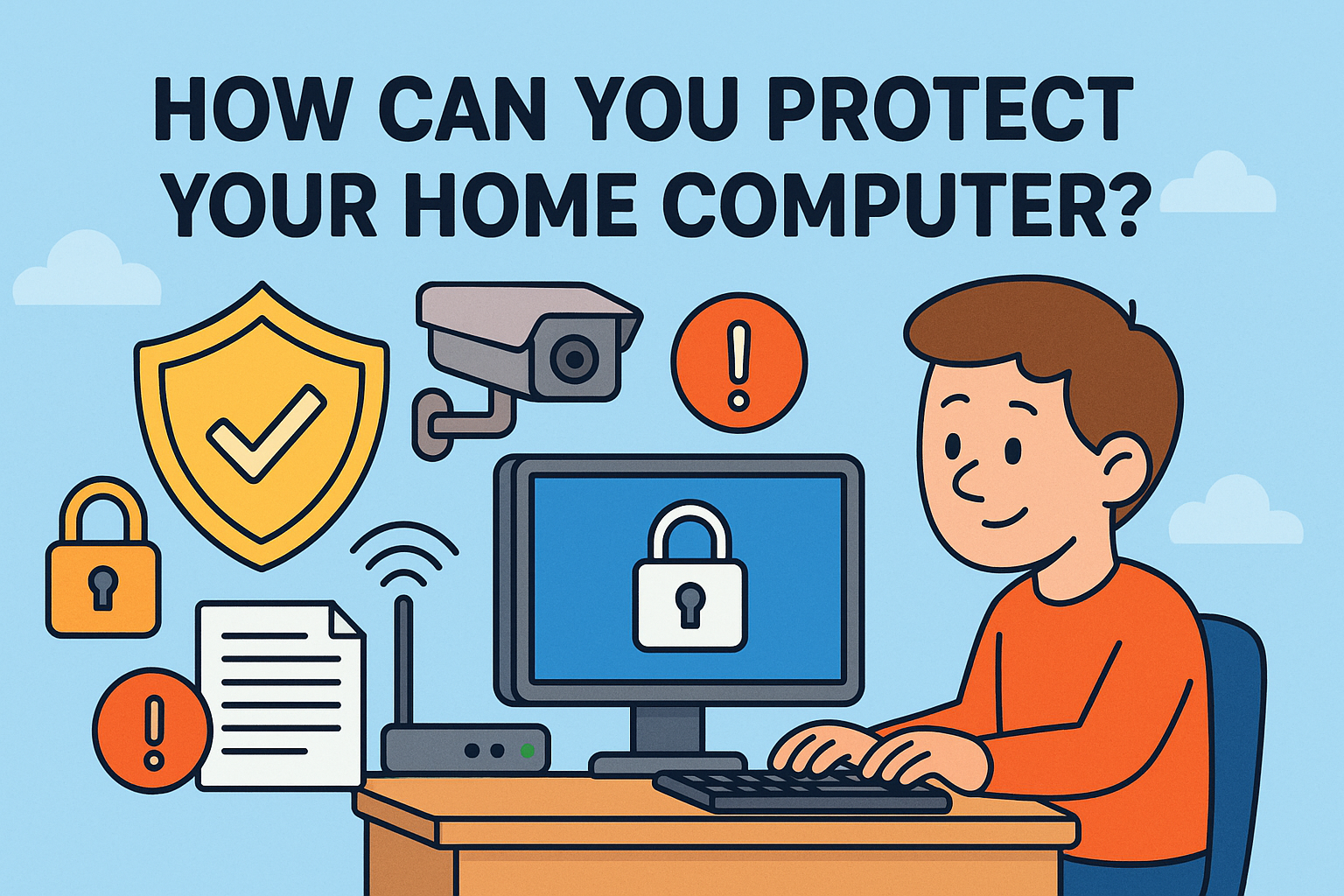
# Safeguarding Your Digital Fortress: A Comprehensive Guide to Home Computer Protection
In an era where digital life intertwines with our physical reality, the security of our home computers has never been more paramount. From sensitive personal data to financial transactions and cherished memories, our computers serve as repositories for an ever-increasing amount of personal information. Consequently, they have become prime targets for a diverse array of cyber threats, including malware, phishing scams, and ransomware. Proactively implementing robust security measures is not merely a recommendation; it is an essential practice for safeguarding your digital assets and maintaining peace of mind in an increasingly interconnected world. This guide will delve into the multifaceted strategies you can employ to fortify your home computer against these pervasive digital dangers.
Understanding the evolving landscape of cyber threats is the first line of defense. Cybercriminals are constantly developing new and sophisticated methods to breach digital defenses, making it crucial to stay informed about the latest TTPs (Tactics, Techniques, and Procedures). This includes recognizing the signs of phishing attempts, understanding the risks associated with downloading software from untrusted sources, and being aware of the potential dangers of unsecured public Wi-Fi networks. A vigilant and informed user is a significant deterrent to many common cyberattacks.
| Category | Information |
| :——————- | :——————————————————————————————————————————————————————————————————————————————————————————————————————————————————————————————————————————————————————————————————————————————————————————————————————————————————————————————————————————————————————————————————————————————————————————————————————————————————————————————————————————————————————————————————————————————————————————————————————————————————————————————————————————————————————————————————————————————————————— |
| **Core Concepts** | **Home computer protection** encompasses a range of practices and tools designed to defend against unauthorized access, data theft, and damage to software or hardware. This involves a multi-layered approach, addressing both technical vulnerabilities and user behavior. |
| **Key Threats** | **Malware:** Malicious software including viruses, worms, Trojans, spyware, and adware.
**Ransomware:** Encrypts data and demands payment for its release.
**Phishing:** Deceptive attempts to obtain sensitive information (e.g., usernames, passwords, credit card details) disguised as legitimate communications.
**Identity Theft:** Using stolen personal information for fraudulent purposes.
**Denial-of-Service (DoS) Attacks:** Overwhelming a system with traffic to make it unavailable. |
| **Protective Measures** | **Antivirus/Antimalware Software:** Regularly updated software to detect and remove malicious programs.
**Firewalls:** Network security systems that monitor and control incoming and outgoing network traffic.
**Strong Passwords & Multi-Factor Authentication (MFA):** Unique, complex passwords for each account, supplemented by a second verification method.
**Software Updates:** Regularly patching operating systems and applications to fix security vulnerabilities.
**Secure Browsing Habits:** Avoiding suspicious links/downloads, using HTTPS, and being cautious on public Wi-Fi.
**Data Backups:** Regularly backing up important files to an external drive or cloud service.
**User Account Control (UAC):** Limiting privileges to prevent unauthorized changes.
**Encryption:** Protecting data at rest and in transit. |
| **Advanced Strategies** | **Virtual Private Networks (VPNs):** Encrypting internet traffic, especially on public networks.
**Password Managers:** Securely storing and generating strong, unique passwords.
**Regular Security Audits:** Periodically reviewing security settings and practices. |
| **Reference** | [National Cybersecurity Alliance](https://www.staysafeonline.org/) |
## The Pillars of Home Computer Security
### Installing and Maintaining Robust Antivirus and Antimalware Software
The foundation of any home computer security strategy lies in installing a reputable antivirus and antimalware program. This software acts as your digital sentry, constantly scanning your system for malicious code and neutralizing threats before they can cause harm. However, simply installing the software is not enough. It is imperative to ensure that it is always up-to-date, with the latest virus definitions downloaded automatically. Regular full system scans, in addition to real-time protection, are also recommended to catch any threats that might have slipped through.
### The Indispensable Role of Firewalls
A firewall acts as a barrier between your computer and the internet, controlling the flow of data and blocking unauthorized access. Both your operating system and your router likely come with built-in firewalls. It’s crucial to ensure these firewalls are enabled and properly configured. For a more advanced layer of security, consider a hardware firewall, often integrated into modern routers, which provides an additional line of defense for your entire network.
### Fortifying Your Access: Strong Passwords and Multi-Factor Authentication
Weak or reused passwords are an open invitation to cybercriminals. Creating strong, unique passwords for every online account is a fundamental step in protecting your digital identity. A strong password typically includes a mix of uppercase and lowercase letters, numbers, and symbols, and is at least 12 characters long. To further enhance security, implement Multi-Factor Authentication (MFA) wherever possible. MFA adds an extra layer of security by requiring more than just a password to log in, such as a code sent to your phone or a fingerprint scan, making it significantly harder for intruders to gain access.
## Proactive Defense Mechanisms
### The Criticality of Regular Software Updates
Software developers regularly release updates to patch security vulnerabilities that attackers could exploit. Failing to install these updates leaves your computer exposed. It is essential to enable automatic updates for your operating system, web browsers, and all other software applications. This simple yet crucial practice significantly reduces your risk of falling victim to known exploits.
### Educating Yourself on Secure Browsing Habits
Much of the threat to home computer security comes from user behavior. Practicing safe browsing habits is paramount. This includes:
* Being skeptical of unsolicited emails and attachments, especially those from unknown senders.
* Avoiding clicking on suspicious links in emails, social media, or on websites. Hover over links before clicking to see the actual destination URL.
* Exercising caution when downloading files or software from the internet, ensuring you use trusted sources.
* Being mindful of the information you share online, particularly on social media platforms.
* Using secure, encrypted connections (HTTPS) when transmitting sensitive information online.
### The Importance of Data Backups
In the event of a successful cyberattack, hardware failure, or accidental deletion, having a reliable backup of your important data can be a lifesaver. Regularly back up your files to an external hard drive or a reputable cloud storage service. This ensures that even if your primary computer is compromised, your valuable information is not lost forever.
A staggering 60% of small companies that suffer a significant data breach go out of business within six months. While this statistic pertains to businesses, it highlights the critical importance of data security for individuals as well, as data loss can be equally devastating on a personal level.
## Advanced Security Measures for Enhanced Protection
### Leveraging Virtual Private Networks (VPNs)
When connecting to public Wi-Fi networks, such as those found in coffee shops or airports, your data is vulnerable to interception. A Virtual Private Network (VPN) encrypts your internet connection, creating a secure tunnel for your data. This makes it much harder for malicious actors to snoop on your online activities or steal sensitive information.
### Utilizing Password Managers
Remembering numerous strong, unique passwords for all your online accounts can be a daunting task. A password manager securely stores all your credentials and can even generate complex passwords for you. This not only enhances security by ensuring each password is unique and strong but also simplifies the login process.
### Encrypting Your Sensitive Data
For an extra layer of security, consider encrypting your sensitive files and even your entire hard drive. Encryption renders your data unreadable to anyone who does not have the decryption key, providing robust protection against unauthorized access, especially if your device is lost or stolen.
The average cost of a ransomware attack for individuals can range from hundreds to thousands of dollars, not including the potential for ongoing financial or identity theft. This underscores the value of investing in preventative measures.
## Frequently Asked Questions (FAQ)
**Q1: How often should I update my antivirus software?**
A1: Your antivirus software should be set to update its virus definitions automatically on a daily basis. It’s also a good practice to perform a full